Mobile app
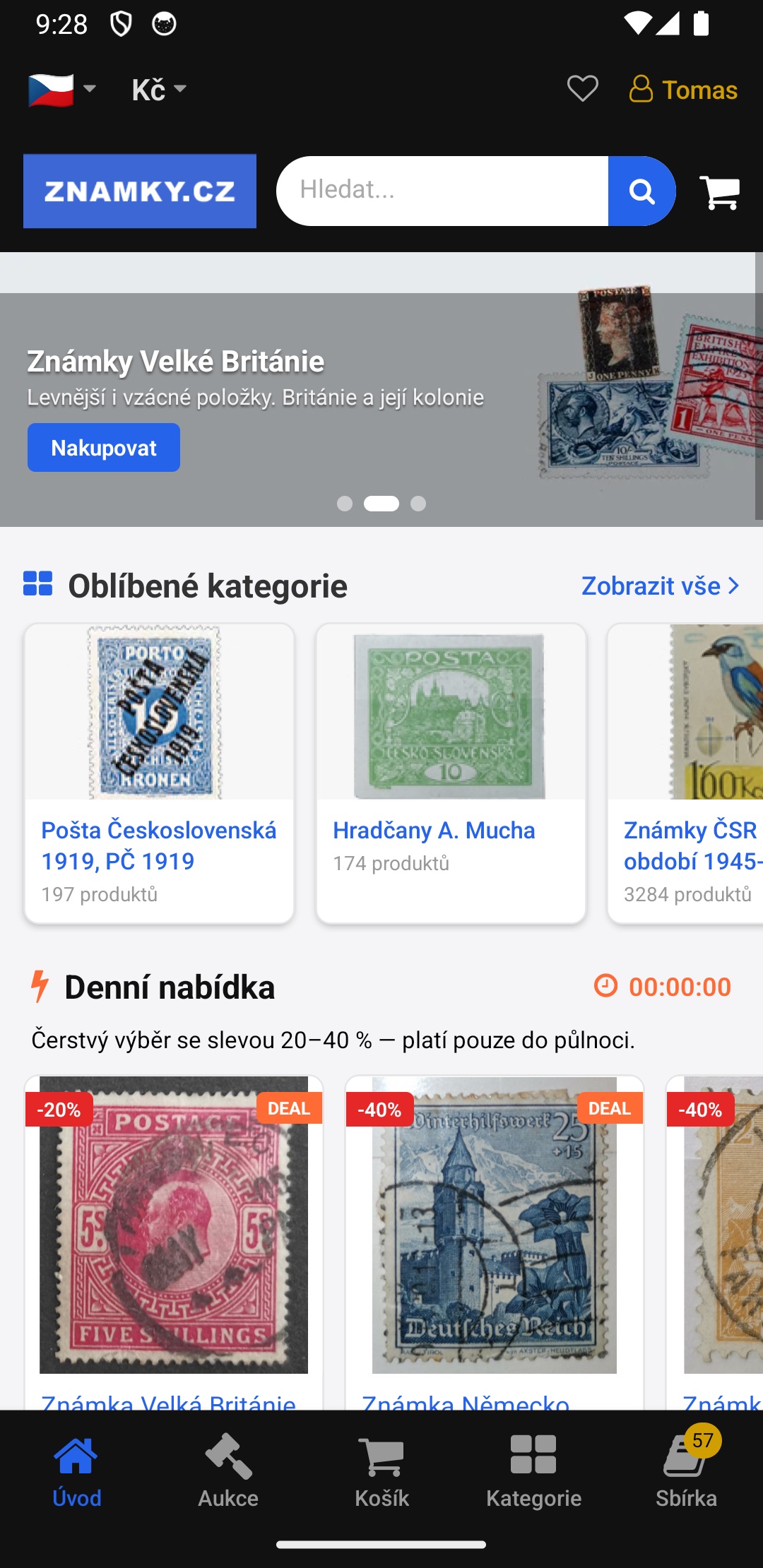
Známky.cz — now in your pocket
Manage your collection, scan whole pages and let our AI recognise and categorise every stamp — the Známky.cz app for collectors.
- Scan a whole page — AI categorises every stamp
- Stamp recognition with our own AI technology
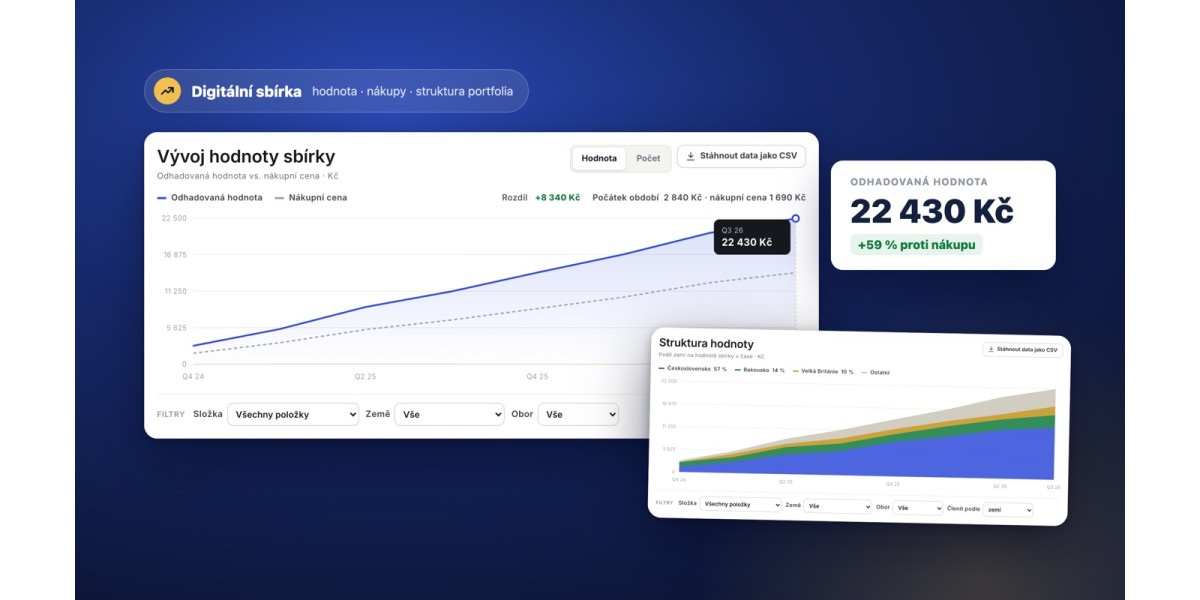
- Manage your collection and track its value
- Your want list and a basic catalog, always with you
 Scan with your phone — opens Google Play
Designed for collectors
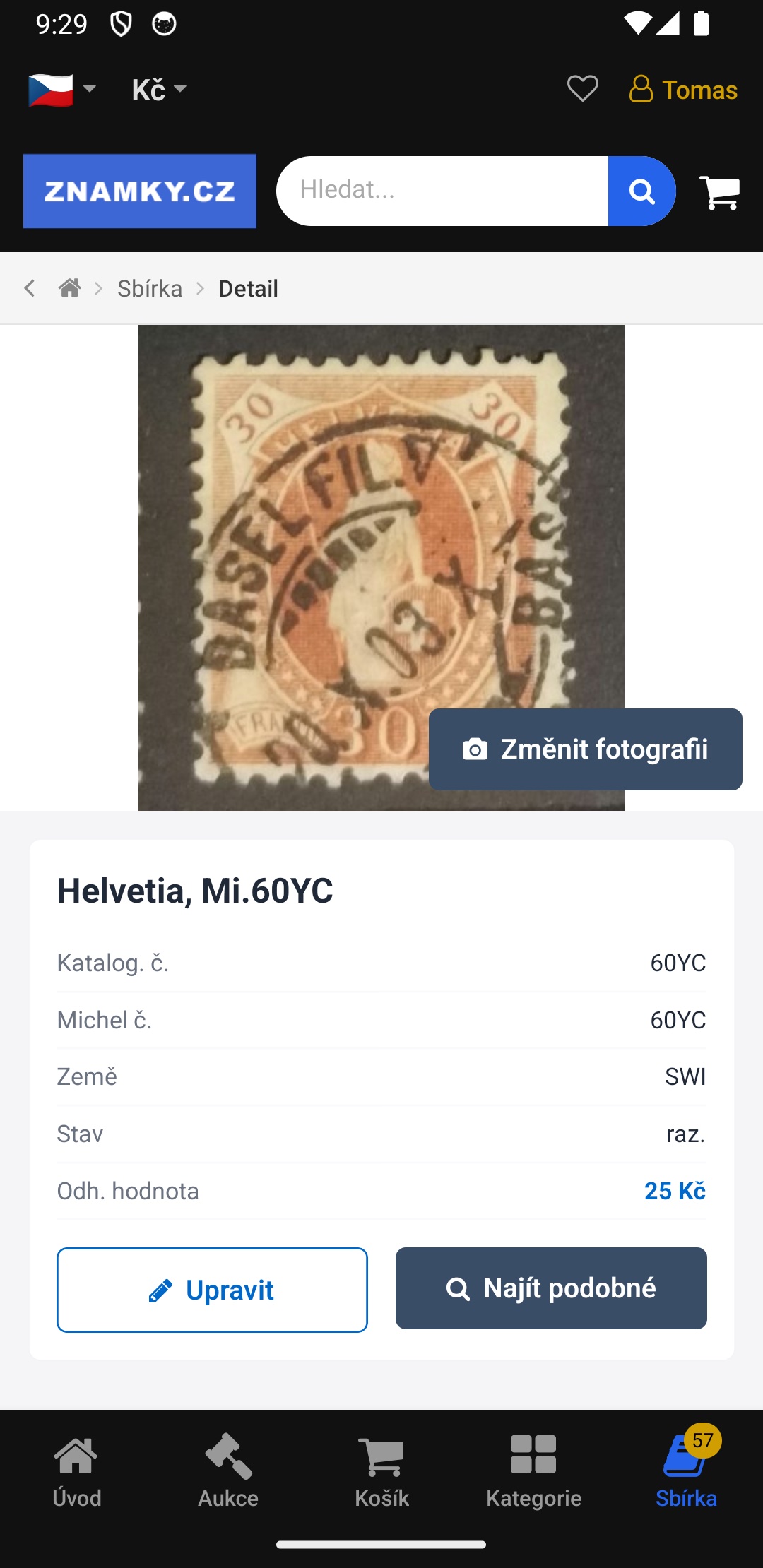
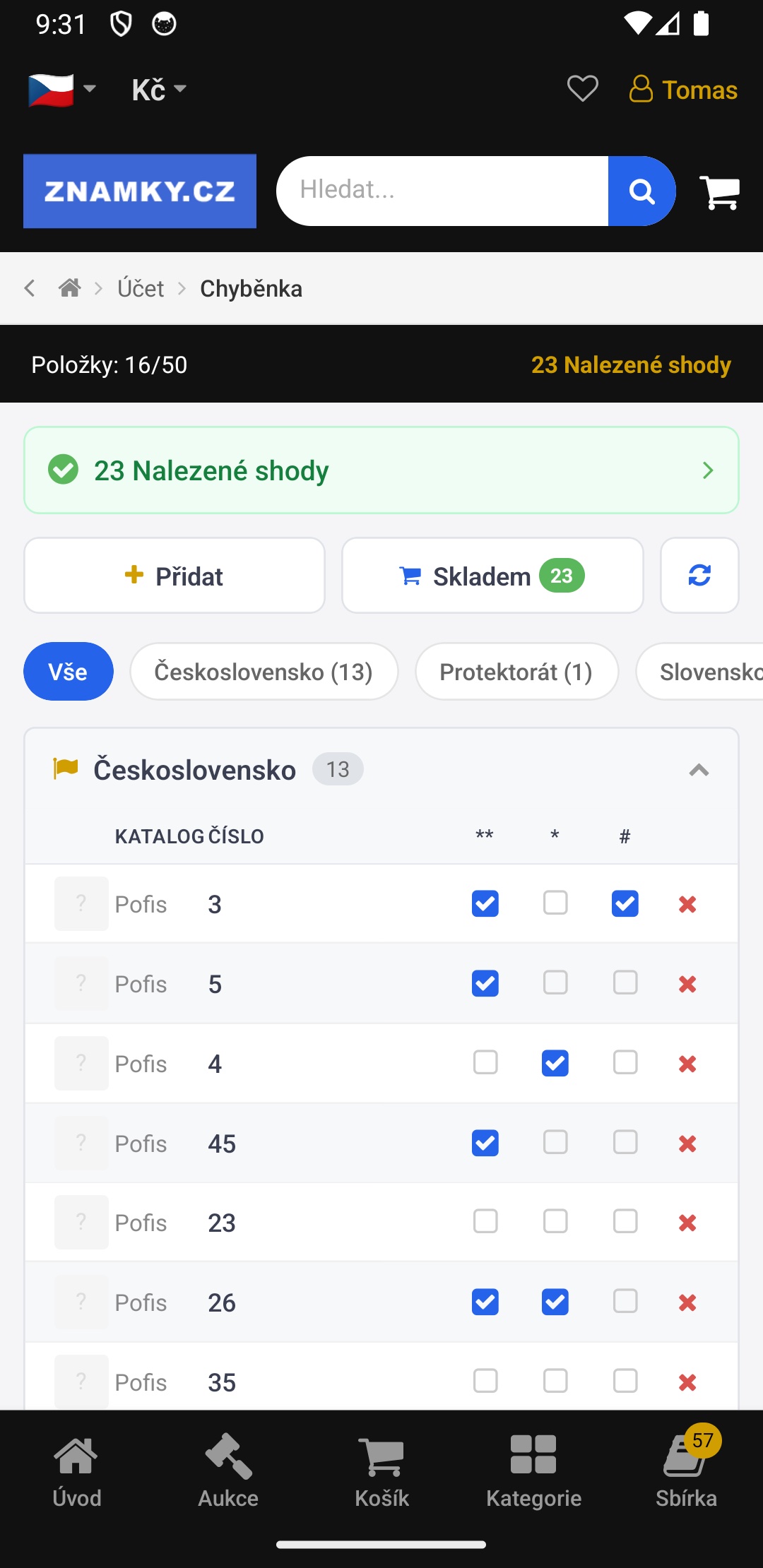
Easy collection management
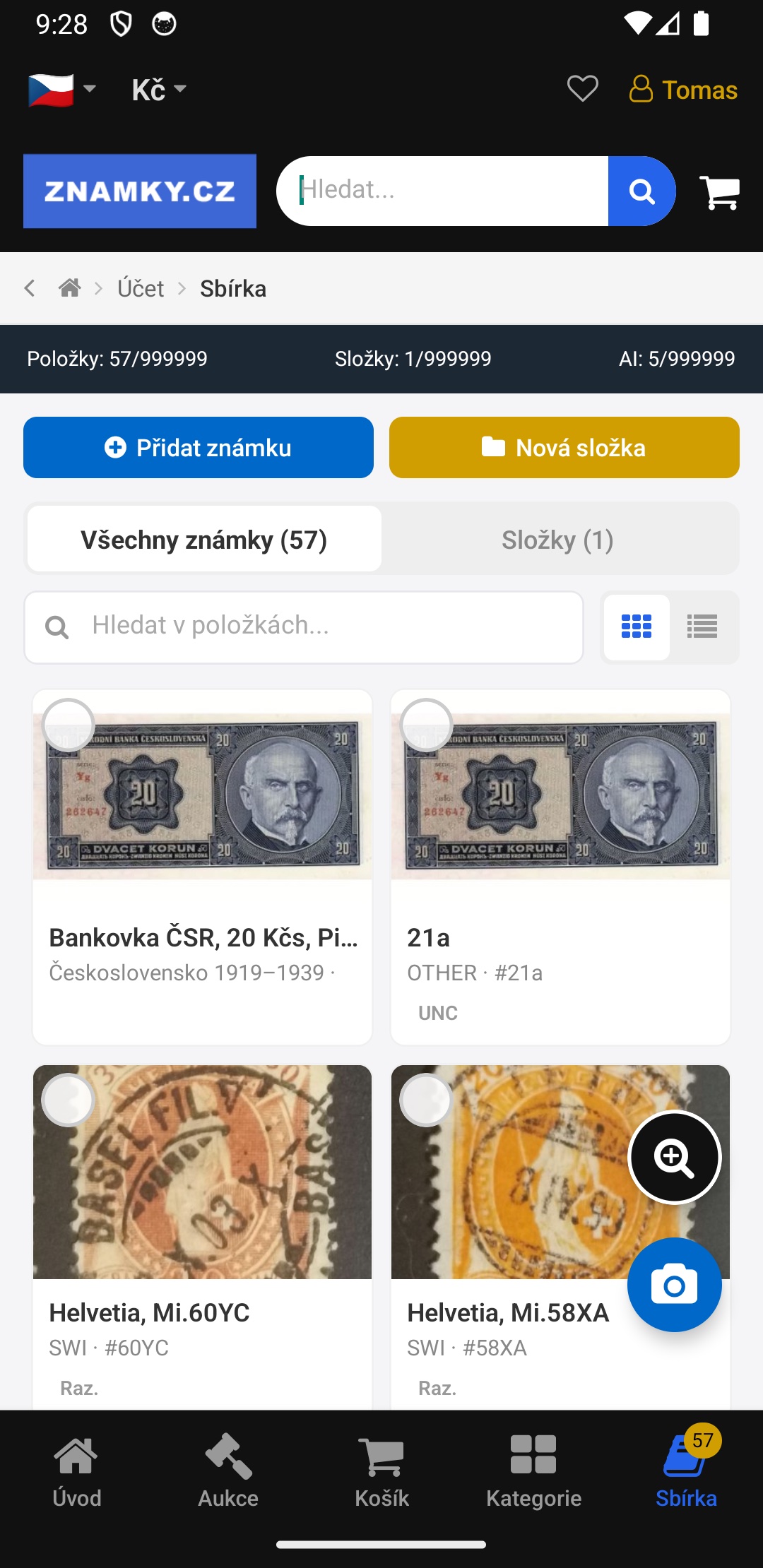
Keep your whole collection organised and track its value in one place. Import straight from Excel, or add items by uploading a scan or just a phone photo. Optimised for banknote collectors and other collecting fields too. App is connected also to your account available on website, so you can manage the collection on your Desktop in the same time.
Scan a whole page
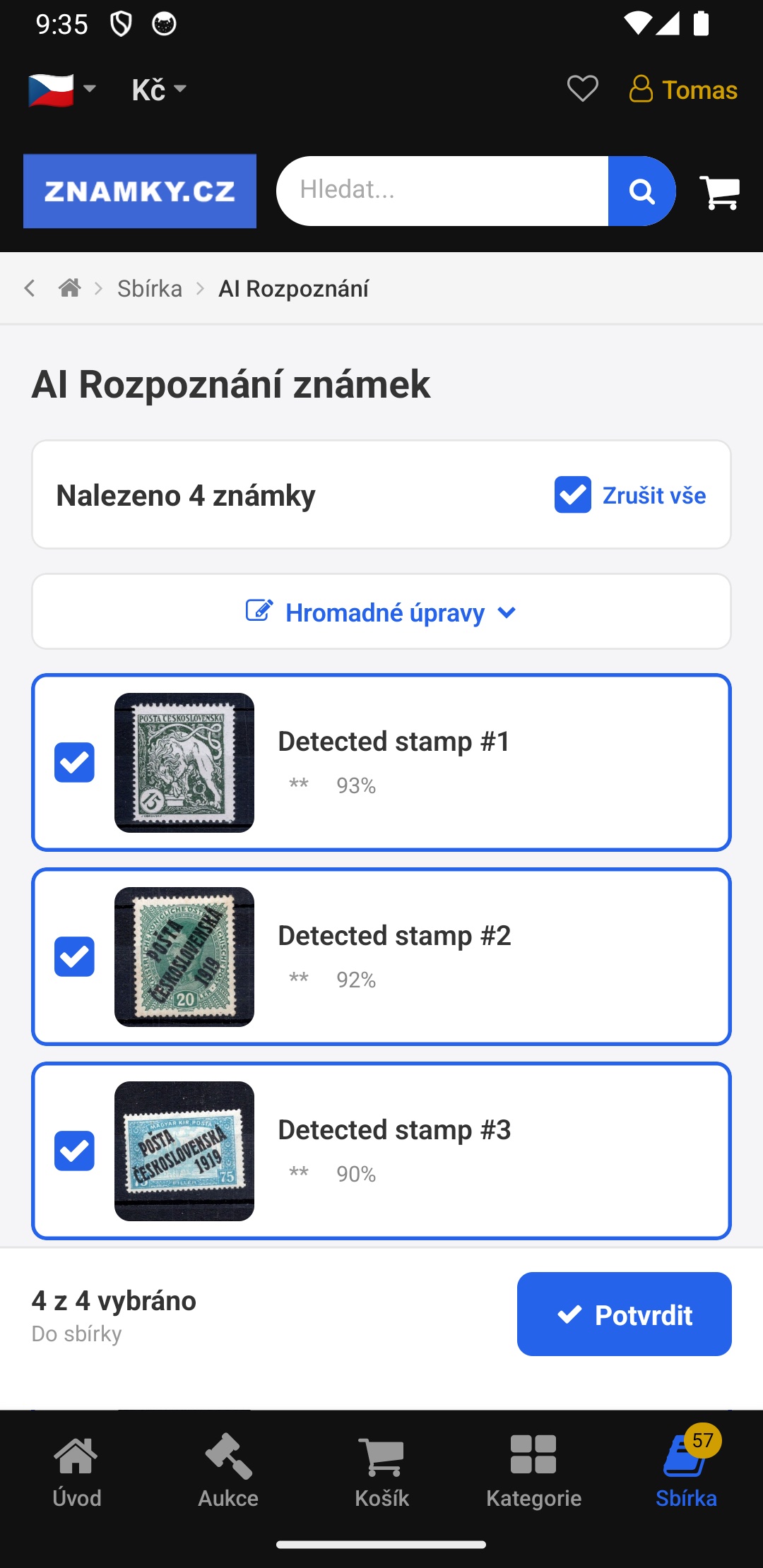
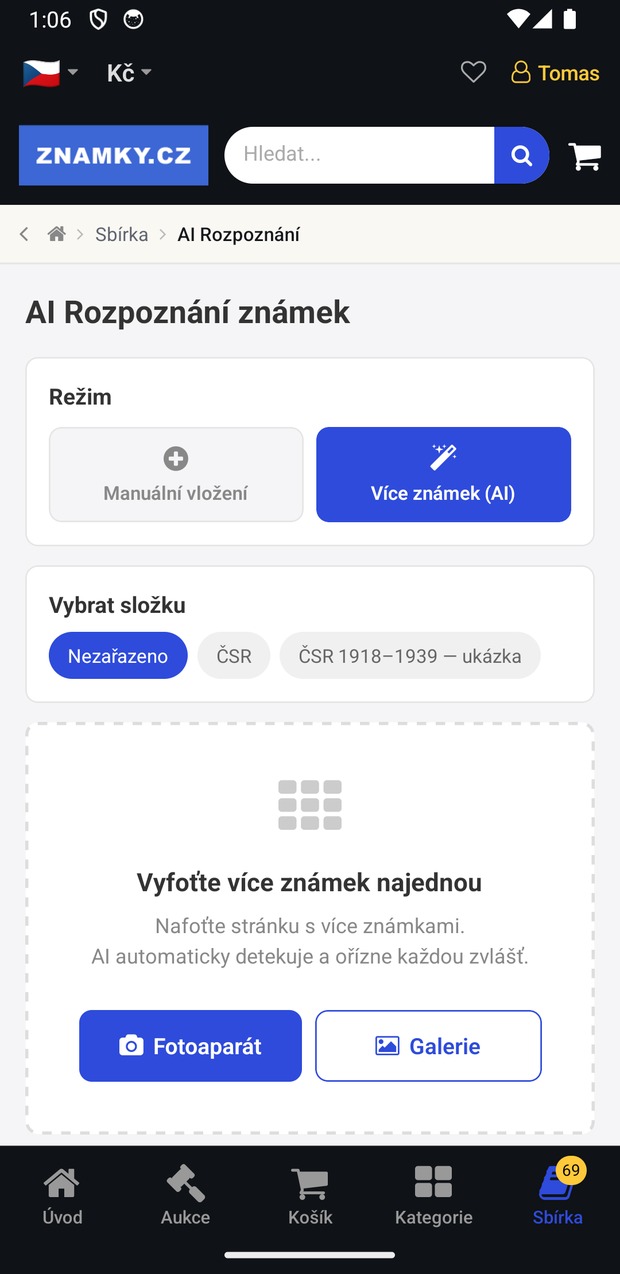
Photograph an entire sheet and AI sorts and catalogs every stamp at once.
AI stamp recognition
Our proprietary AI recognises a stamp and suggests the catalog number and variant.
Share your collection
Show your collection to other collectors and get inspired by theirs.
Catalogue on your phone
A basic stamp catalogue of Czechoslovakia I and II, the Czech Republic, Slovakia and the Protectorate, always at hand.
Digital loupe
Zoom into fine details — perforation, overprints and plate flaws.
Easiest want-list tracking
The simplest way to track the stamps still missing from your collection.
Basic version free
Znamky+ removes all limits — a monthly fee that pays for itself.
Scan or photo of a page → 20 stamps or more
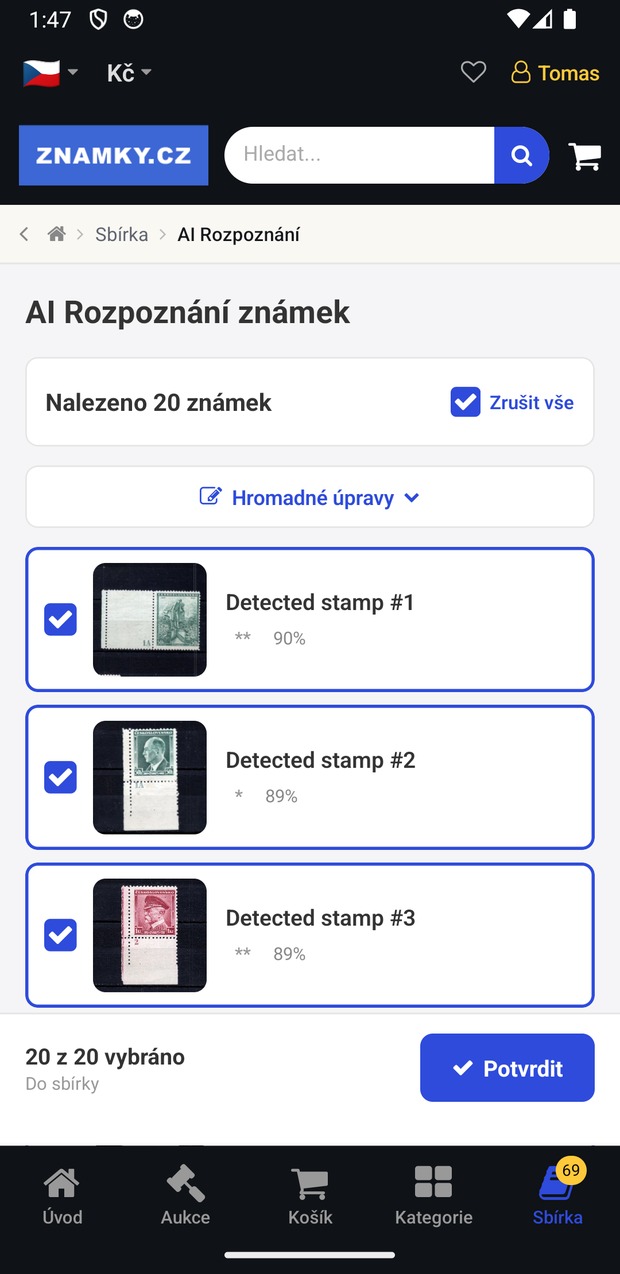
You do not have to shoot stamp by stamp. Scan or photograph a whole album page or stockbook page — the AI finds the individual stamps in that image, crops them out and identifies them. From the page shown it pulled out 20 stamps.
- Scan or photo. A single image of an album page, a stockbook page or a selection card — from the camera, from a scanner or from your gallery. Nothing else needed.
- The AI splits the sheet for you. From the page above the app pulled out 20 separate stamps — each cropped on its own, with a quality estimate and a recognition confidence score (89–91%). Dozens of stamps recorded from one image.
- Check and confirm. Untick anything that did not come out, then save the rest to your collection in one tap. Catalogue numbers and details can be filled in in bulk.
Recognition works on a single stamp too — but scanning a whole page is what really saves time. A free account has a monthly cap on recognitions; Znamky+ members get more.
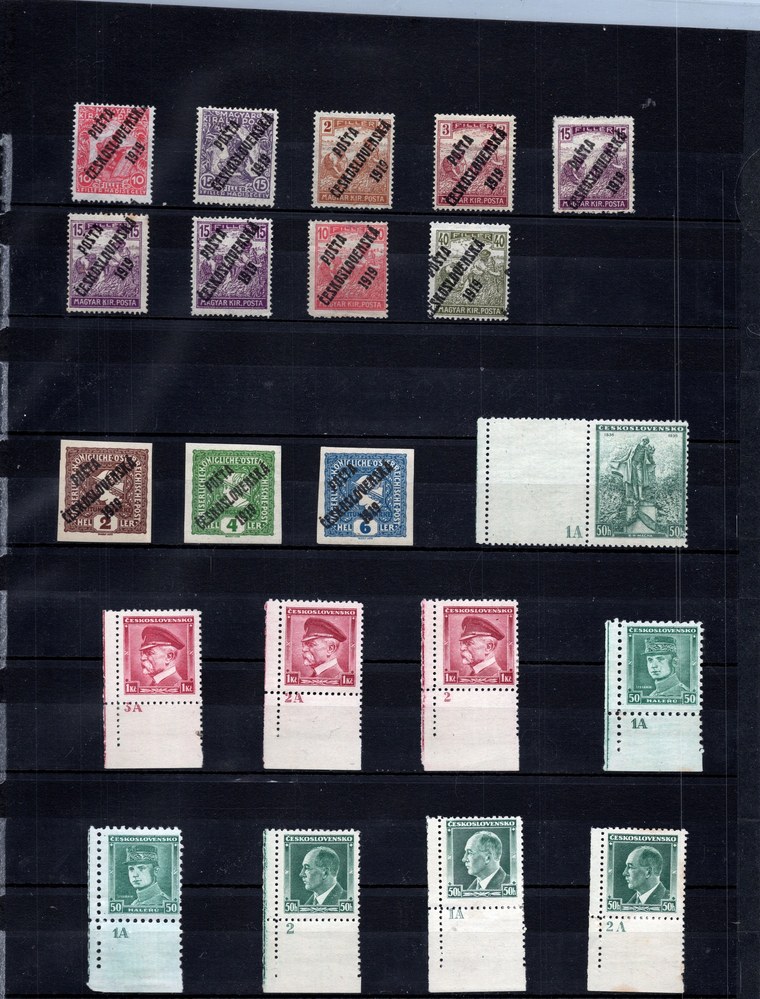
One scan / photo of an album page
Show your exhibit
Build a digital exhibit right on your phone — no scanner, no computer. Either photograph whole album pages, or compose each page in the editor from items already in your collection.
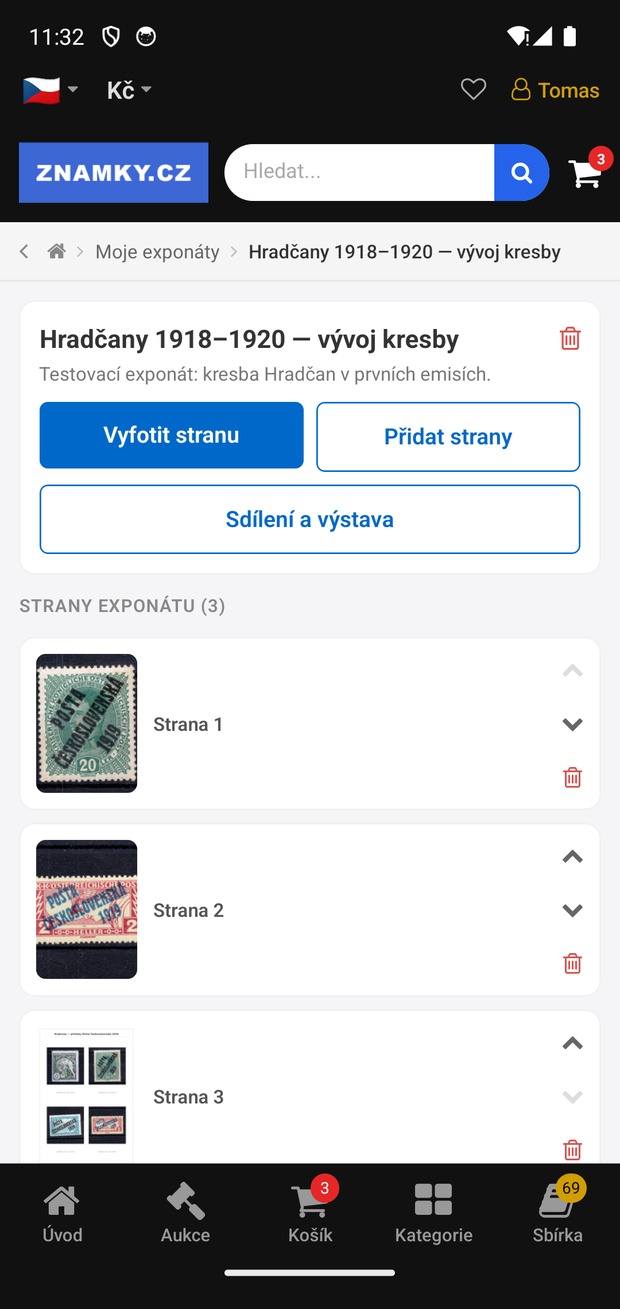
- Photograph a whole page. The quickest route — upload an album page from the camera or your gallery as a finished exhibit page, several at a time if you like.
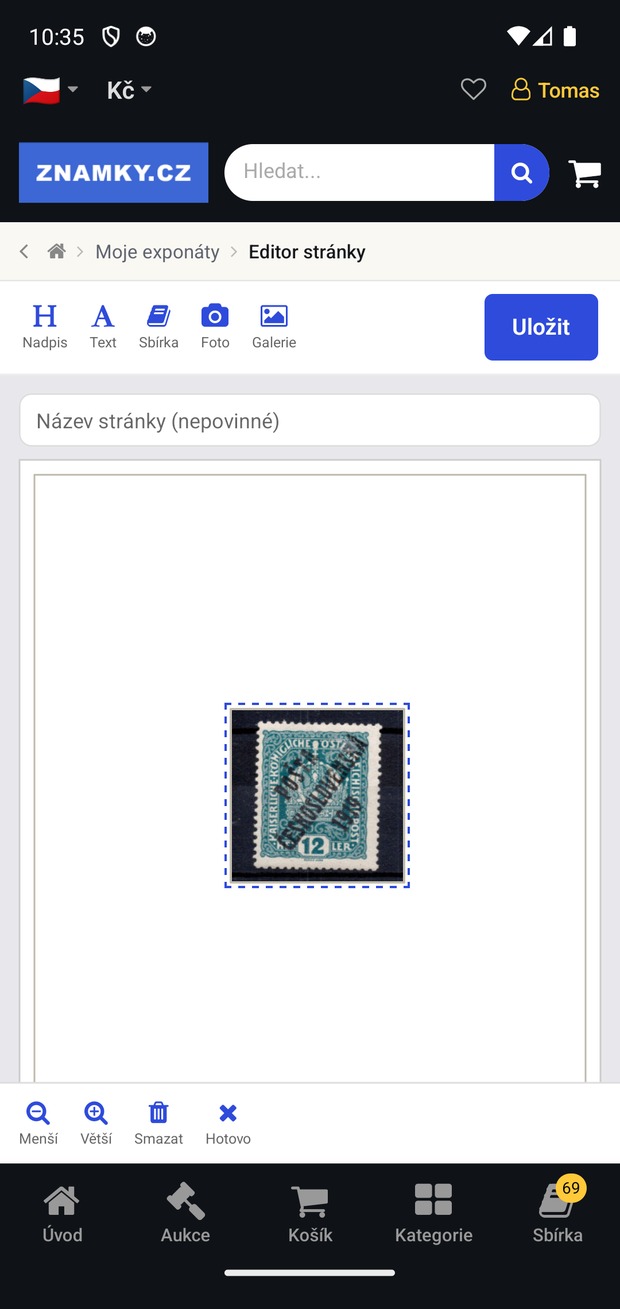
- Or compose a page in the editor. Build a page from items already uploaded to your collection, from gallery photos and from new shots. Add headings and captions, and pick the typeface and text size.
- Edit any time. Reorder pages, rewrite text, move elements around and delete the ones that did not come out. Rename the exhibit or add more pages whenever you want.
- Share a link. One tap creates a link you can send to anyone — the recipient does not need the app.
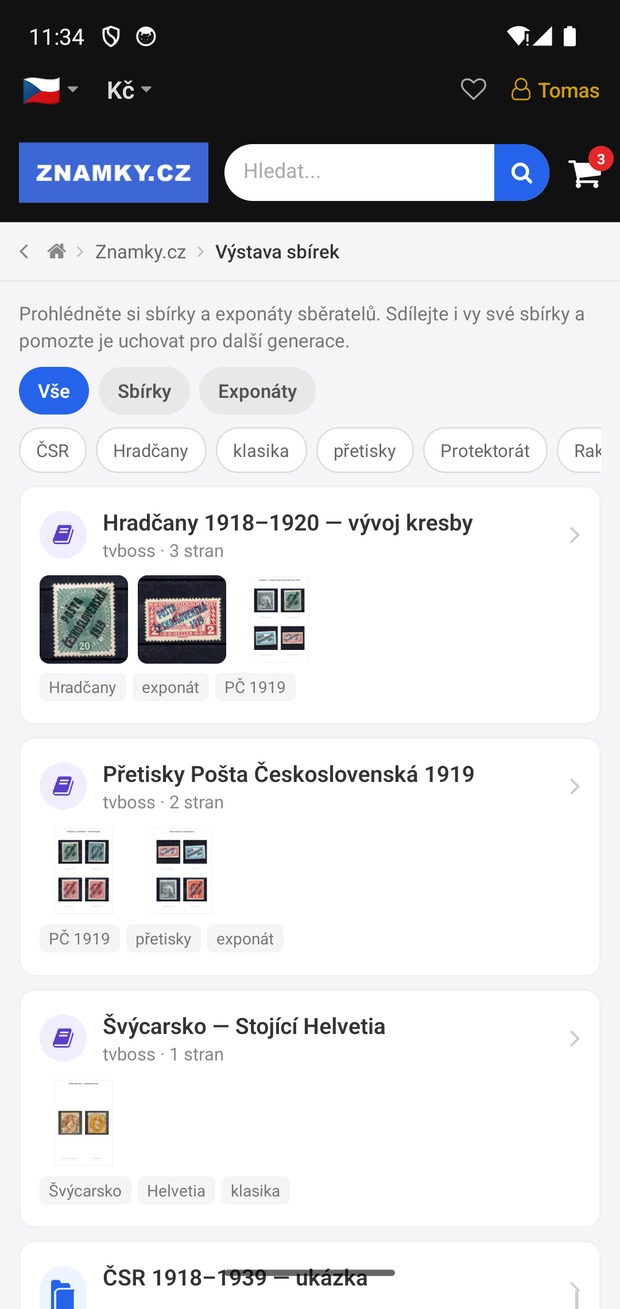
- Enter the exhibition. Add your exhibit to the public Collection exhibition and tag it so other collectors can find it.
A free account creates a limited number of exhibits; Znamky+ members have no limit. Anyone can browse the exhibition without signing in.
Installation in three steps
Download the app
Available on the App Store and Google Play — free of charge.
Sign in
Use the same account as on the website, or create one in the app.
Photograph your first stamp
The AI identifies it and you save it straight to your digital collection.
What can the app find and how can you help it?
Your photo is compared against a database of reference images: the Znamky.cz photo archive complemented by freely available stamp photographs. Every match shows a similarity score — above 90 % it is almost certainly the same design, 80–90 % usually means the same issue or a similar stamp, and anything below 80 % is a hint at best. Photo quality decides:
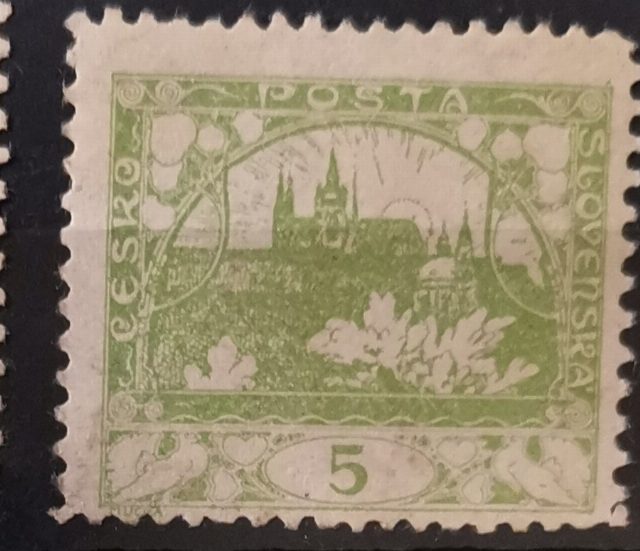
Sharp shot, the stamp fills the frame (Hradčany 5 h)
What the search returned
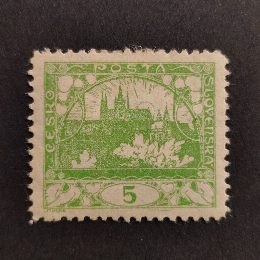
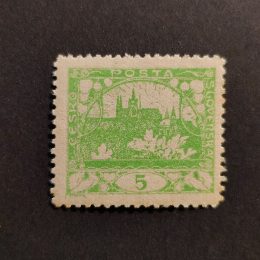
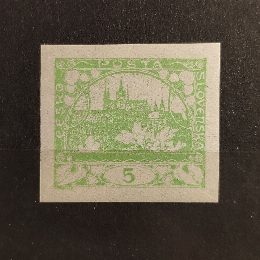
Correct: the same Hradčany design on top, similarity above 90 %.
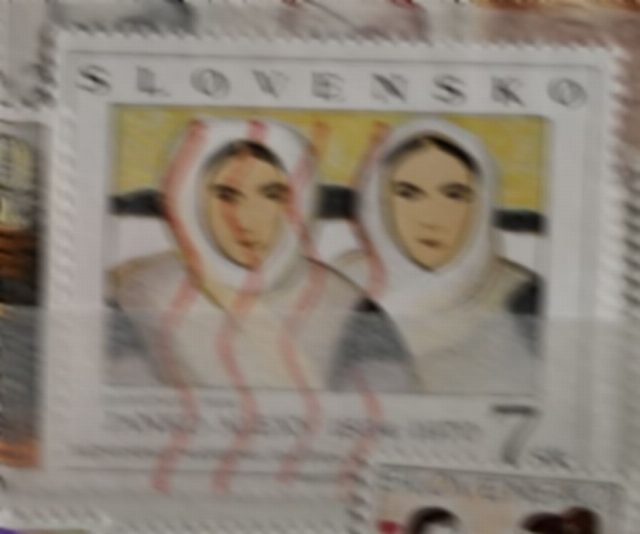
A blurry, shaky photo taken through protective foil (Slovakia 7 Sk)
What the search returned
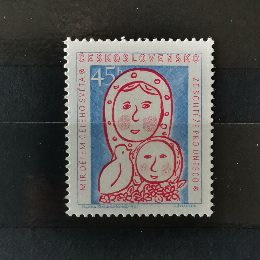
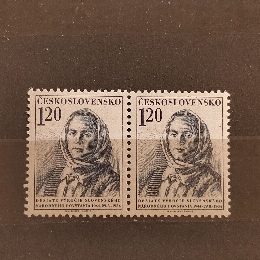
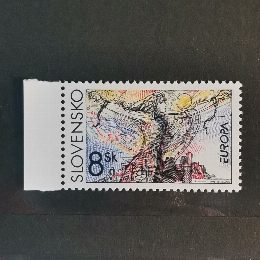
Wrong: the stamp itself was not found — only remotely similar pieces below 80 %. Treat such a result as a rough hint.
5 tips for reliable recognition
- Fill the frame. One stamp per photo — the more pixels of the design, the better the match.
- Shoot straight from above. A skewed angle distorts the design and confidence drops.
- No blur, no overlaps. Blurry photos and overlapping stamps will almost certainly not be identified by the AI.
- Daylight, no glare. Avoid protective foil or glossy mounts — reflections mask the design.
- Whole page? Use “Multiple stamps”. Photograph the album page as a whole — the app finds and crops each stamp itself. Then identify each stamp separately.
Database coverage: top 20 countries
The number of distinct catalogue numbers we hold a reference image for — from our own photographs and from freely available sources. Czechoslovakia is covered best; for countries with only a few reference images, expect rather poor results. The database grows every week.
| Country | Catalogue numbers | Reference images |
|---|---|---|
| Czechoslovakia | 7 076 | 16 980 |
| India | 3 831 | 3 884 |
| Germany (German Reich) | 1 878 | 2 394 |
| Finland | 1 418 | 1 614 |
| Brazil | 1 340 | 1 482 |
| Czech Republic | 1 027 | 1 195 |
| Austria / Austria-Hungary | 880 | 1 480 |
| United States | 702 | 904 |
| Canada | 619 | 859 |
| Ukraine | 602 | 621 |
| East Germany (GDR) | 595 | 717 |
| West Germany (FRG) | 566 | 599 |
| Bolivia | 417 | 454 |
| Slovakia | 391 | 594 |
| Japan | 288 | 510 |
| Great Britain | 280 | 470 |
| Italy | 266 | 326 |
| Mexico | 248 | 381 |
| Romania | 229 | 254 |
| Australia | 218 | 276 |
This table is generated automatically from the recognition database.